> ## Documentation Index
> Fetch the complete documentation index at: https://docs.bleed.bot/llms.txt
> Use this file to discover all available pages before exploring further.
# Button Roles
> Allow your members to assign themselves roles by clicking a button.
## What are button roles?
Button roles are roles that are assigned to members when they click a button on an existing message or embed. They can be useful for letting members choose unique roles or as a way to verify themselves.
## Creating a button role
You can create multiple button roles for a single message.
Button roles can only be placed on messages & embeds sent by bleed. Learn how to create an embed [**here**](/resources/scripting/embeds)!
```javascript Syntax theme={null}
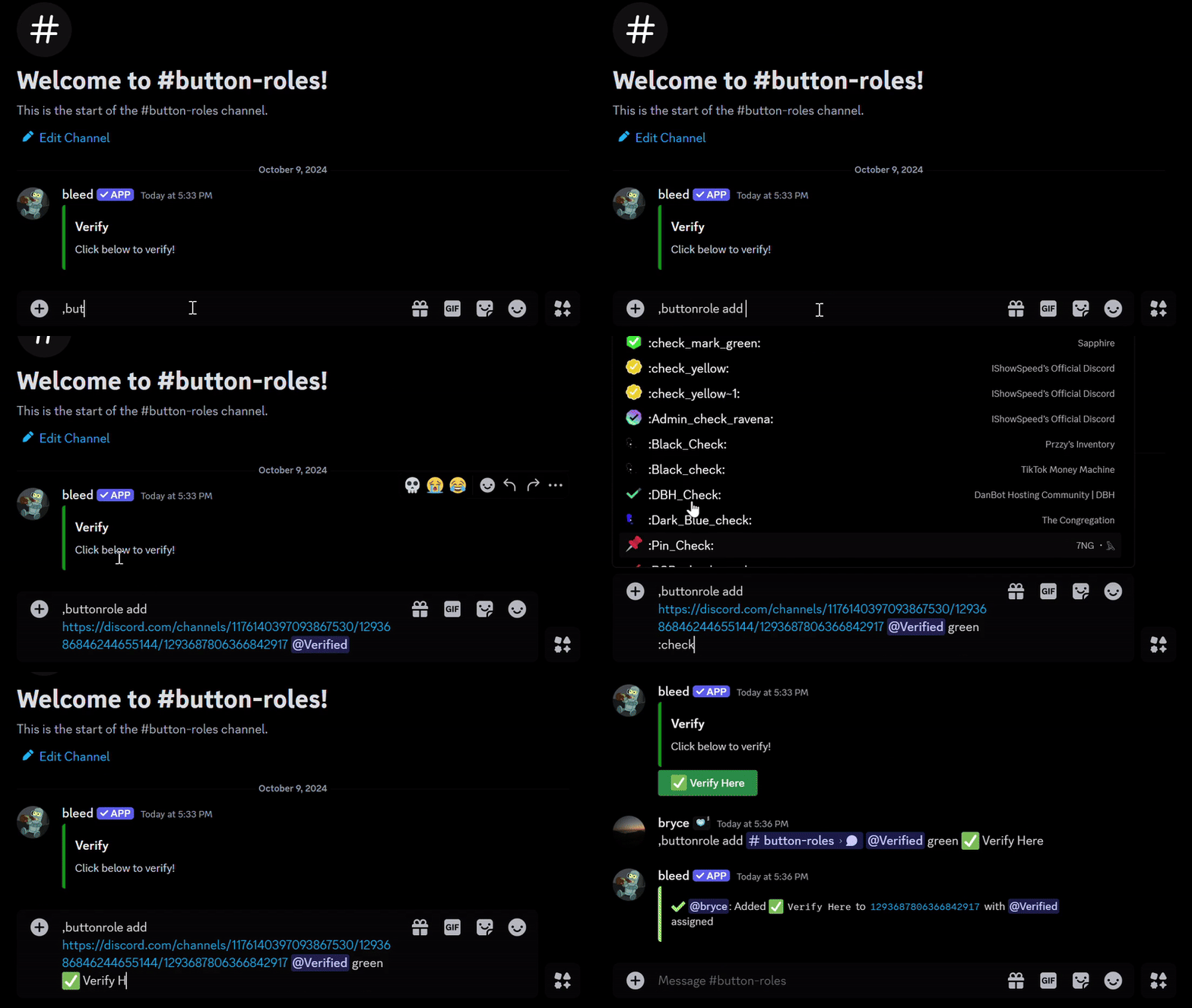
,buttonrole add (message link) (role) (style) (emoji) (label)
// Available styles: "green," "blurple," "gray," or "red."
```
```javascript Example theme={null}
,buttonrole add .../channels/... Verified green ✅ Verify
```
 ## Removing a button role
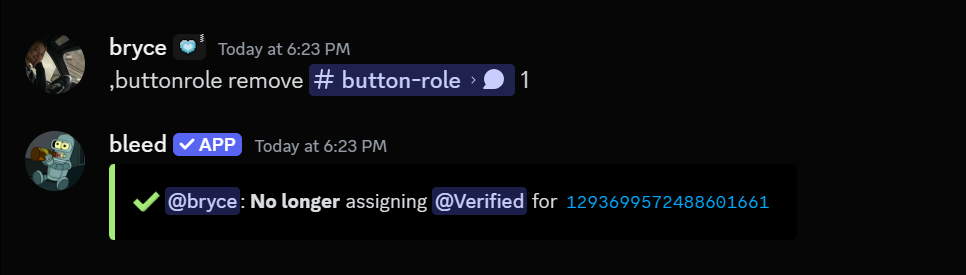
You can remove a specific button role by using the `buttonrole remove` command.
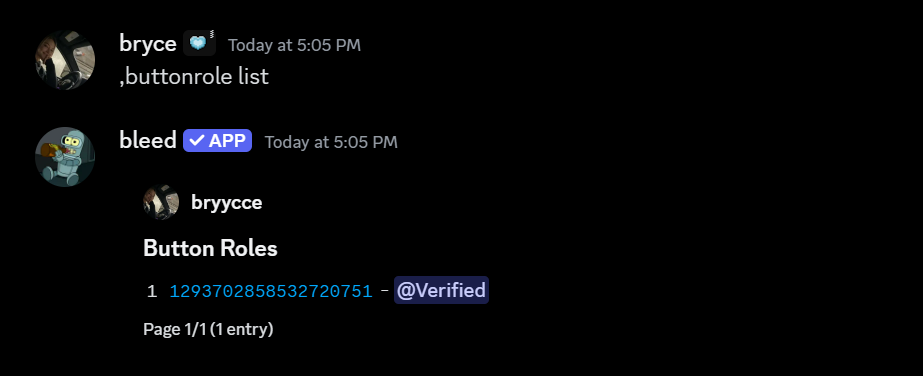
You can use the `buttonrole list` command to see all button roles in your server.
## Removing a button role
You can remove a specific button role by using the `buttonrole remove` command.
You can use the `buttonrole list` command to see all button roles in your server.
 ```javascript Syntax theme={null}
,buttonrole remove (message link) (button number)
```
```javascript Example theme={null}
,buttonrole remove .../channels/... 1
```
```javascript Syntax theme={null}
,buttonrole remove (message link) (button number)
```
```javascript Example theme={null}
,buttonrole remove .../channels/... 1
```
 ### Removing all button roles for a message
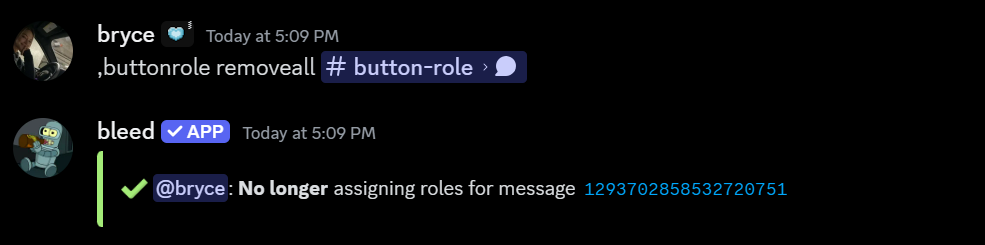
Additionally, you can remove all button roles from a message by using the `buttonrole removeall` command.
```javascript Syntax theme={null}
,buttonrole removeall (message link)
```
```javascript Example theme={null}
,buttonrole removeall .../channels/...
```
### Removing all button roles for a message
Additionally, you can remove all button roles from a message by using the `buttonrole removeall` command.
```javascript Syntax theme={null}
,buttonrole removeall (message link)
```
```javascript Example theme={null}
,buttonrole removeall .../channels/...
```
 ### Removing all button roles from the server
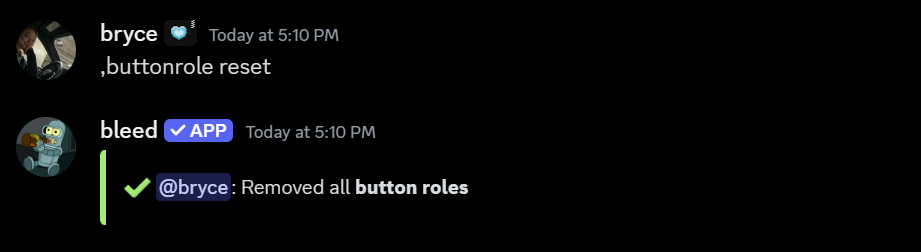
You can remove all button roles from the server by using the `buttonrole reset` command.
Please note that this **cannot** be undone & will **permanently** remove **all** button roles from the
server.
```
,buttonrole reset
```
### Removing all button roles from the server
You can remove all button roles from the server by using the `buttonrole reset` command.
Please note that this **cannot** be undone & will **permanently** remove **all** button roles from the
server.
```
,buttonrole reset
```