> ## Documentation Index
> Fetch the complete documentation index at: https://docs.bleed.bot/llms.txt
> Use this file to discover all available pages before exploring further.
# Counters
> Create counters in your server
## Overview
Counters allows you to show important info in your server. This can be useful to show your members about significant milestones.
## Adding a counter
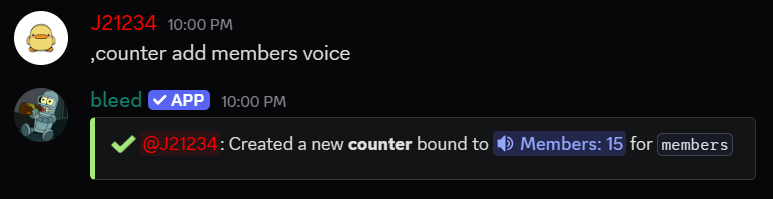
You can add a counter using the `counter add` command.
Available counter options are `members`, `users_only`, `bots_only`, `pending_members`,
`all_channels`, `text_channels`, `voice_channels`, `categories`, `announcement_channels`,
`staging_channels`, `boosts`, `booster_count` and unix timestamps.
Available counter types are `voice` (suggested), `text`, `category`, `announce`,
and `stage`.
You can create a fun and visble countdown using a UNIX timestamp.
```javascript Syntax theme={null}
,counter add (option) (type of channel)
```
```javascript Example theme={null}
,counter add members vc
```
## Removing a counter
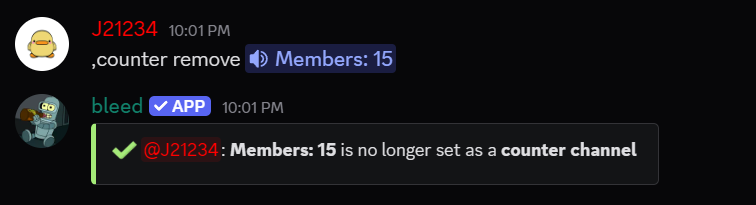
You can remove a counter using the `counter remove` command.
After removing counter, you will have to delete the channel (or category) manually.
```javascript Syntax theme={null}
,counter remove (channel)
```
```javascript Example theme={null}
,counter remove #members
```