
Setting up suggestions
Use the/suggest config command to view and change your suggestion settings. Use the toggle at the top of the message to turn suggestions on or off.
You must have the
Manage Channels permission to use this command.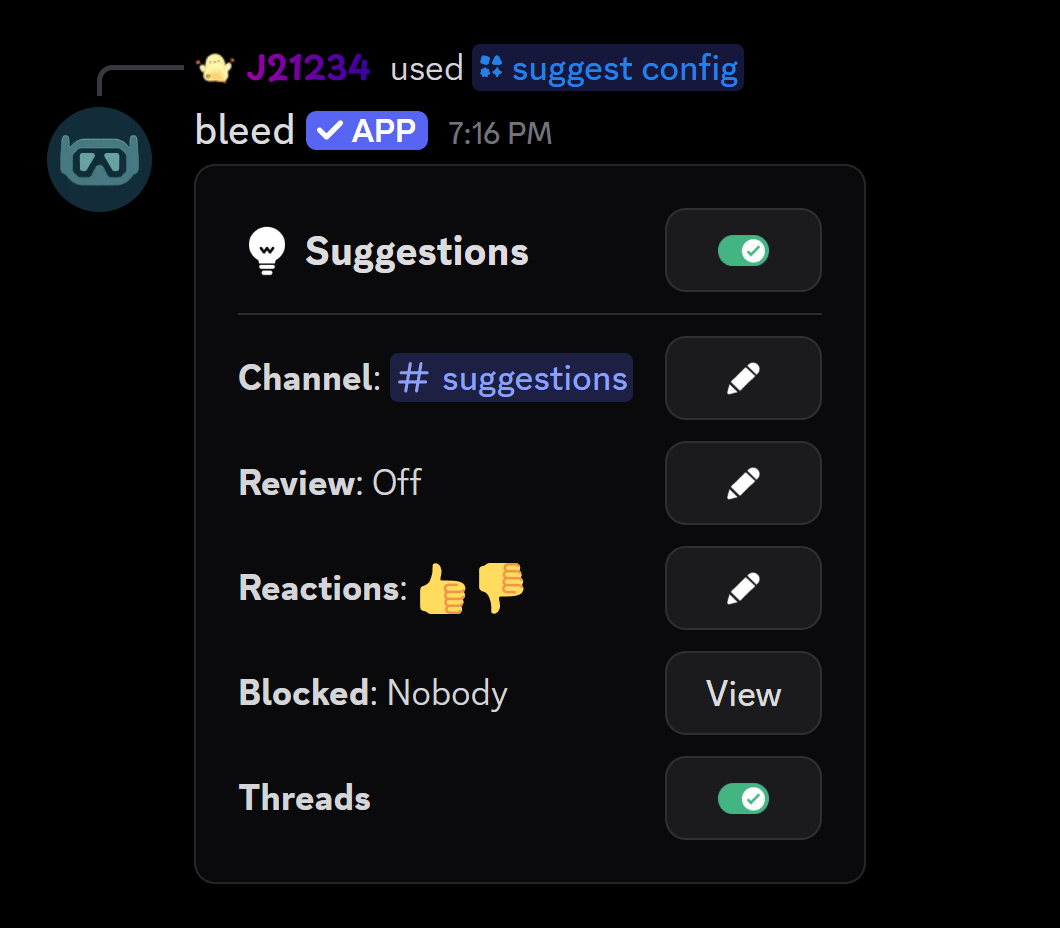
Making a suggestion
Members can make a suggestion using the/suggest create command.
Responding to suggestions
Staff can change a suggestion’s status or reply to it. These commands can only be used by members with a staff role.Set
silent:True on /suggest reply to sign the reply as Staff instead of with your name.