Overview
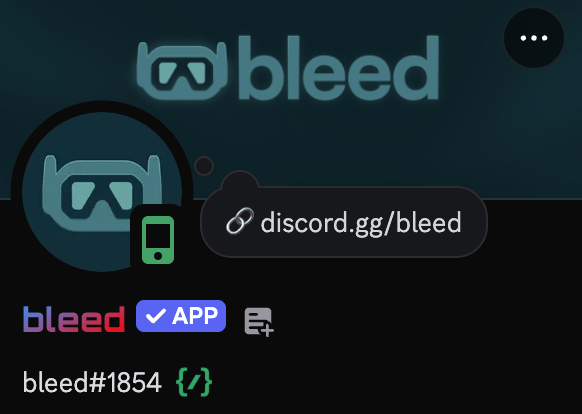
Personalize bleed’s appearance in your server by setting a custom avatar, banner, and/or bio to make your community stand out.Only the server owner can use these commands.
Customizing bleed’s avatar
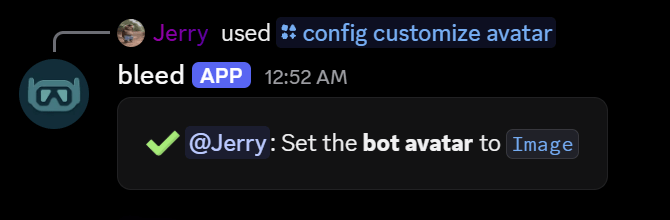
You can change bleed’s avatar using the/config customize avatar command.
Customizing bleed’s banner
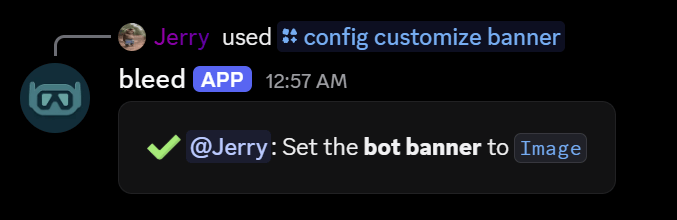
You can change bleed’s banner using the/config customize banner command.
Customizing bleed’s bio
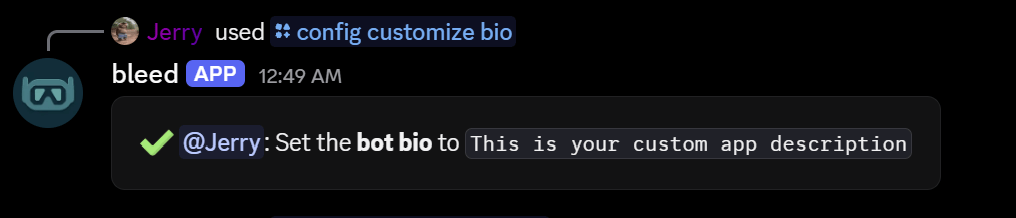
You can set bleed’s bio using the/config customize bio command.
If you do not manually include https://bleed.bot/ or discord.gg/bleed in the bio, it will be automatically added at the bottom.
Customizing bleed’s name style
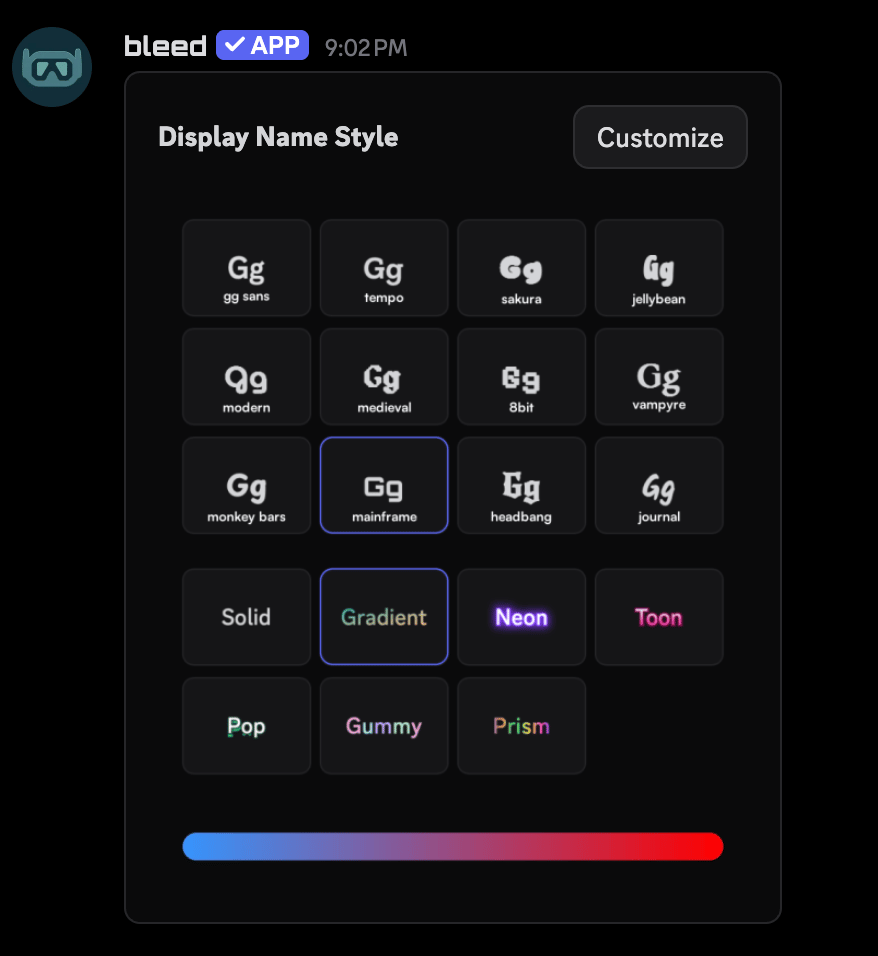
You can customize bleed’s name style using the/config customize namestyle command.