
Overview
You can add bleed directly to your Discord account as a user-installed app. Once installed, you can run bleed’s slash commands in direct messages, group DMs, and any server—even servers that do not have bleed installed.User-installed apps only work with slash commands (
/). Adding bleed to your account does not let it read your messages or send messages as you; it only responds when you invoke a command.Adding bleed to your account
1
Open bleed's app menu
Click bleed’s profile in Discord and select Add App, or open the bleed invite link.
2
Choose Add to My Apps
Select Add to My Apps instead of Add to Server, then click Authorize.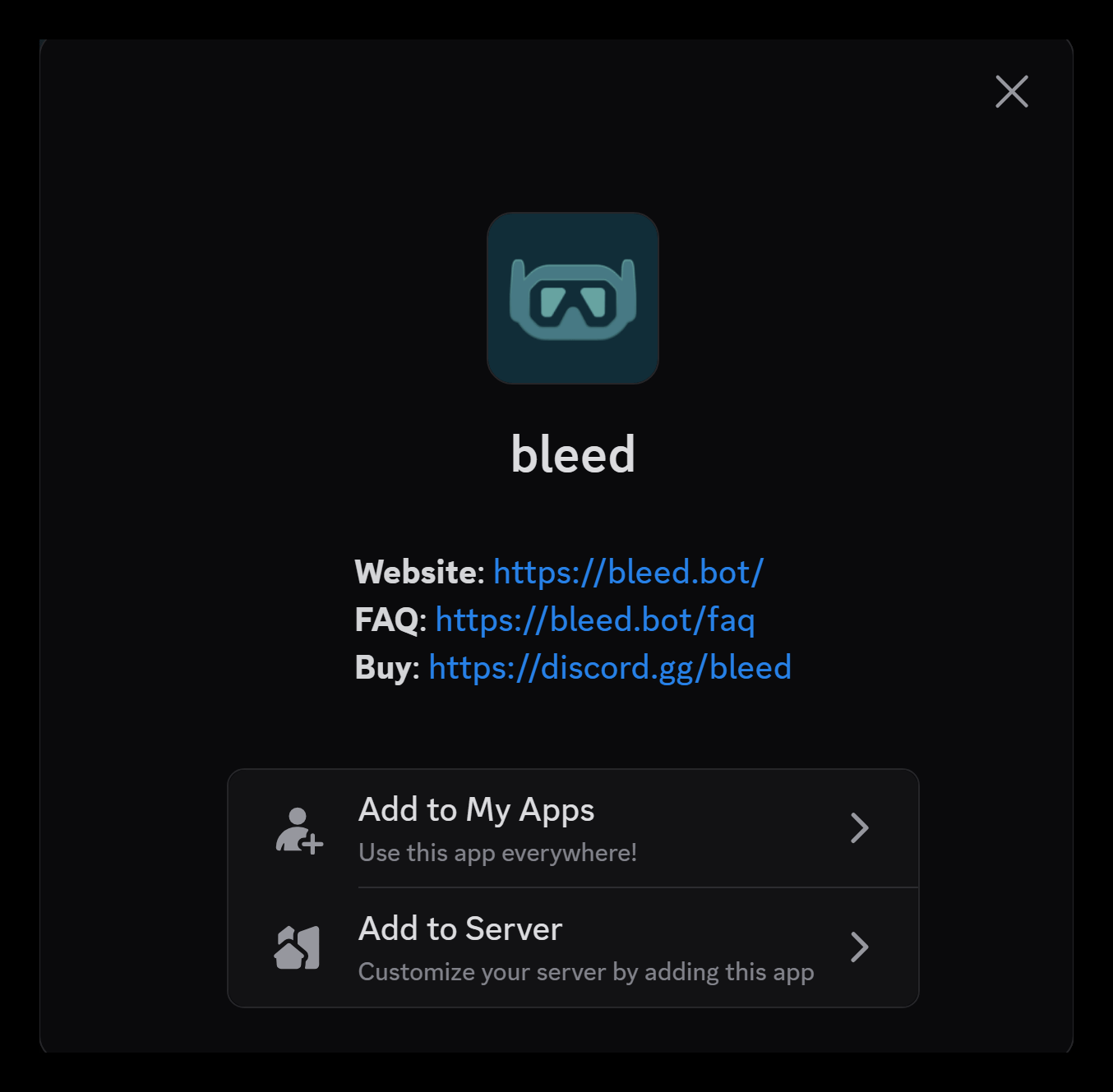
3
Run commands anywhere
Type
/ in any DM, group DM, or server and select bleed’s icon to use your installed commands.Available commands
Most personal, lookup, media, utility, and fun commands are available with a user install:- Integrations:
/lastfm,/spotify,/fortnite, and/roblox - Search & lookups:
/lookup,/search,/google,/image,/define,/lyrics,/shazam,/weather, and/inviteinfo - Media & editing:
/media(filters, animations, captions, scenes, TTS, transcription) and/ocr - Personal & utilities:
/avatar,/banner,/userinfo,/translate,/timezone,/remind,/birthday,/afk,/crypto,/utility,/help, and/ping - Games & roleplay:
/gameand/roleplay
Differences from a server install
Because a user install runs through your account rather than as a member of a server, some features behave differently or remain server-only:- Slash commands only: Prefix commands (such as
,av) and message triggers require bleed to be in the server. - No server configuration or moderation: Security systems (antinuke, antiraid, filters, moderation), tickets, logging, starboard, VoiceMaster, self-roles, and other server automation are only available when bleed is added to a server.
- No server-scoped or voice features: Commands that depend on a server or voice channel—such as music playback,
/spotify vc, or server-wide leaderboards and configurations—cannot run in DMs or servers without bleed. - Managing or removing: You can remove bleed from your account at any time in Discord under User Settings → Authorized Apps.
Server-only commands
The commands below still appear when you type/ with a user install, but bleed will reply that they only work in servers.
Server-only commands
Server-only commands
- Birthdays:
/birthday configand/birthday list - Games:
/game blacktea start,/game blacktea end,/game counting configand every/game juulcommand - Last.fm:
/lastfm board server,/lastfm board crowns,/lastfm board mostcrowns,/lastfm whoknows(artist, album and track),/lastfm playing,/lastfm hide,/lastfm customand/lastfm config react - Spotify:
/spotify vc