
Overview
Leaderboards show the top 10 most active members in your server, either by messages sent or by time spent in voice channels. This can be useful for rewarding your most active members. The leaderboard will automatically update every 10 minutes.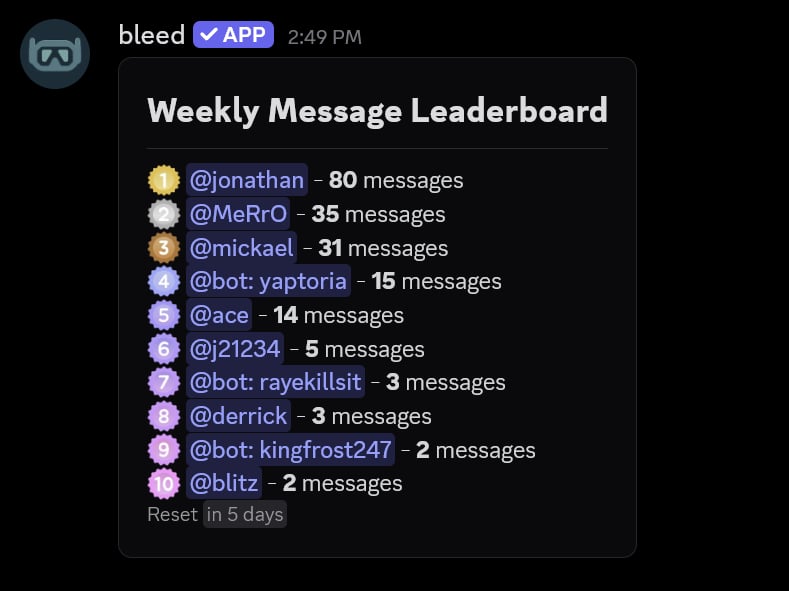
Leaderboards can be
daily, weekly or monthly. Every leaderboard resets at midnight UTC,
weekly leaderboards reset every Friday and monthly leaderboards reset on the 1st of each month.Setting up a leaderboard
You can set up a leaderboard using the/automation leaderboard channel command.
You must have the
Manage Server permission to use this command. bleed needs the View Channel,
Send Messages and Embed Links permissions in the channel.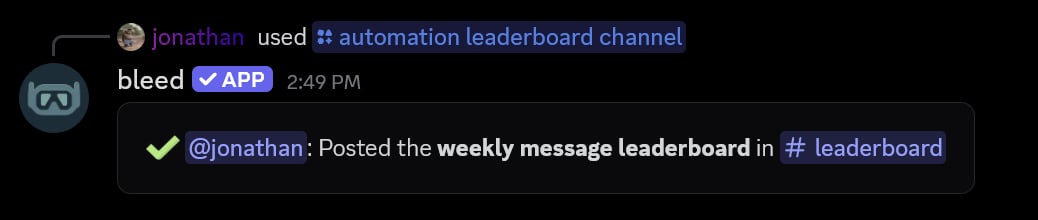
Customizing the message
You can customize the leaderboard message using the/automation leaderboard message command.
Variables
Replace
first with any rank up to tenth, like {user.third.mention}. The ranks are first, second,
third, fourth, fifth, sixth, seventh, eighth, ninth and tenth.Every leaderboard
Every leaderboard
Message leaderboards
Message leaderboards
Voice leaderboards
Voice leaderboards
{guild.*} variable can be used as well, such as {guild.name}.
Changing the rank emotes
You can change the emote displayed next to a rank using the/automation leaderboard emote command.
Emotes are shared between the daily, weekly and monthly leaderboards of the same type. If you no longer want a custom emote, you can re-run the command without an emote.

Viewing the configuration
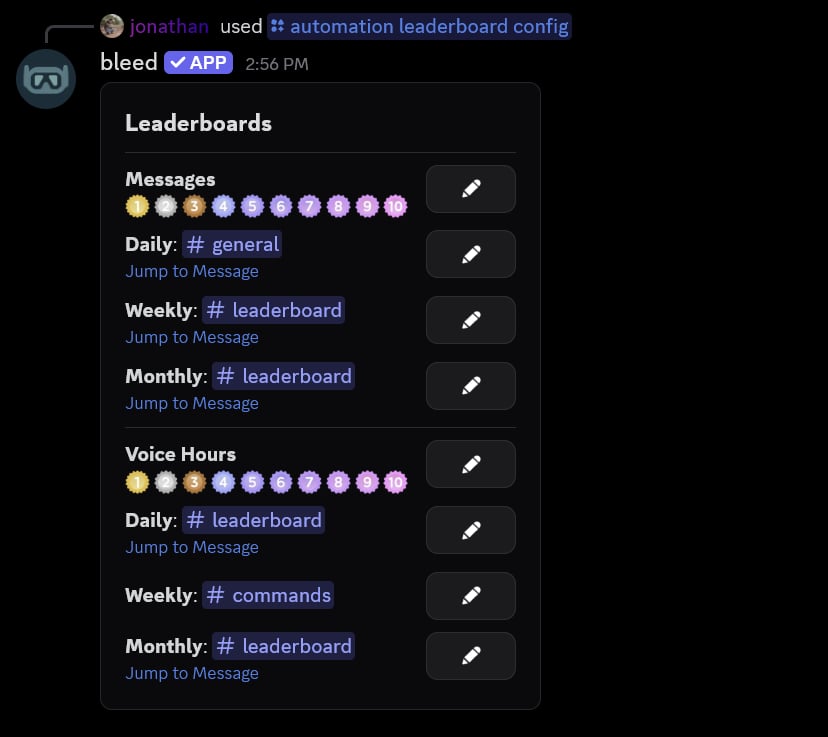
You can use the/automation leaderboard config command to view all of your server’s leaderboards. The buttons on this message allow you to change the channel, message and emotes of each leaderboard.
Related commands
Changing every rank emote
Changing every rank emote
You can use the
/automation leaderboard emotes command to change all 10 emotes at once. This command will open a Discord modal where you can enter one emote per line.Previewing a leaderboard
Previewing a leaderboard
You can use the
/automation leaderboard view command to privately preview a leaderboard.Resending a leaderboard
Resending a leaderboard
If the leaderboard message was deleted, you can use the
/automation leaderboard resend command to post it again.Removing a leaderboard
Removing a leaderboard
You can use the
/automation leaderboard remove command to remove a leaderboard.
Viewing the variables
Viewing the variables
You can use the
/automation leaderboard variables command to view every variable inside of Discord.