What are sticky messages?
A sticky message stays at the bottom of a channel. When members send new messages, bleed sends the sticky message again so it’s always easy to see. You can have up to 7 sticky messages.Adding a sticky message
You can add a sticky message using the/config stickymessage add command. Leave channel empty to use the current channel.
Removing a sticky message
You can remove a sticky message using the/config stickymessage remove command.
Managing sticky messages
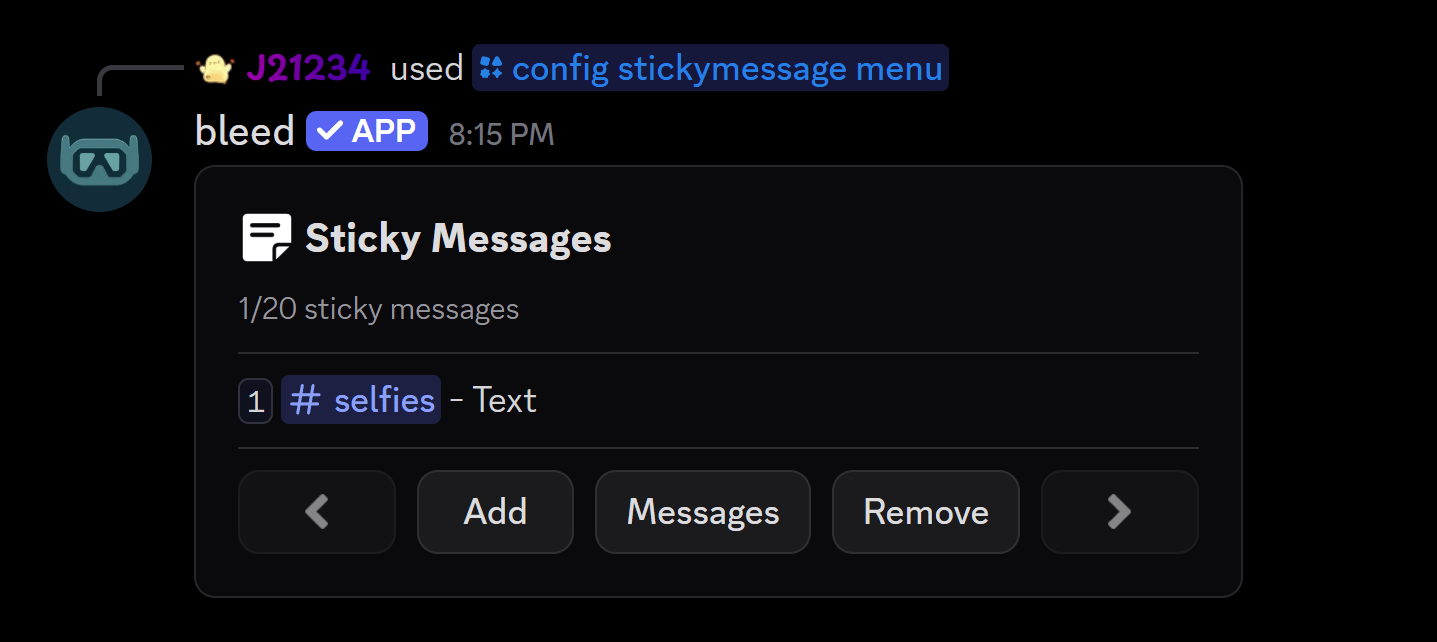
You can use/config stickymessage menu to view, add, preview, or remove your sticky messages.