What are dropdown roles?
Dropdown roles are roles that are assigned to members when they select an option from a dropdown menu. They can be useful for letting members choose multiple roles from a single message, such as pronouns or ping roles.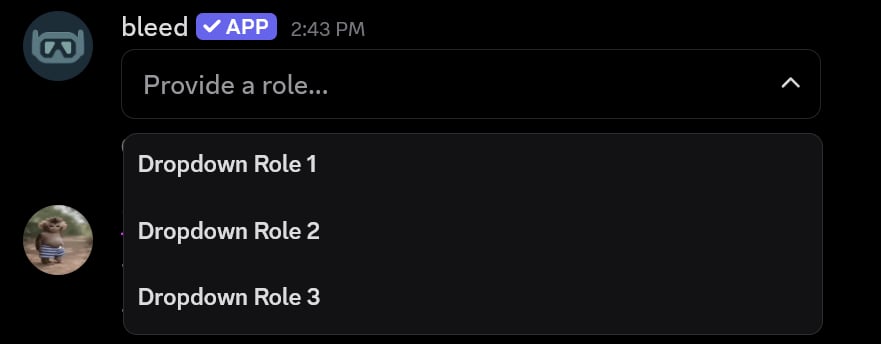
Creating a dropdown role
You can create a dropdown role menu using the/autorole dropdownrole create command.
You must have the
Manage Roles permission to use this command. A dropdown can have up to 25 roles.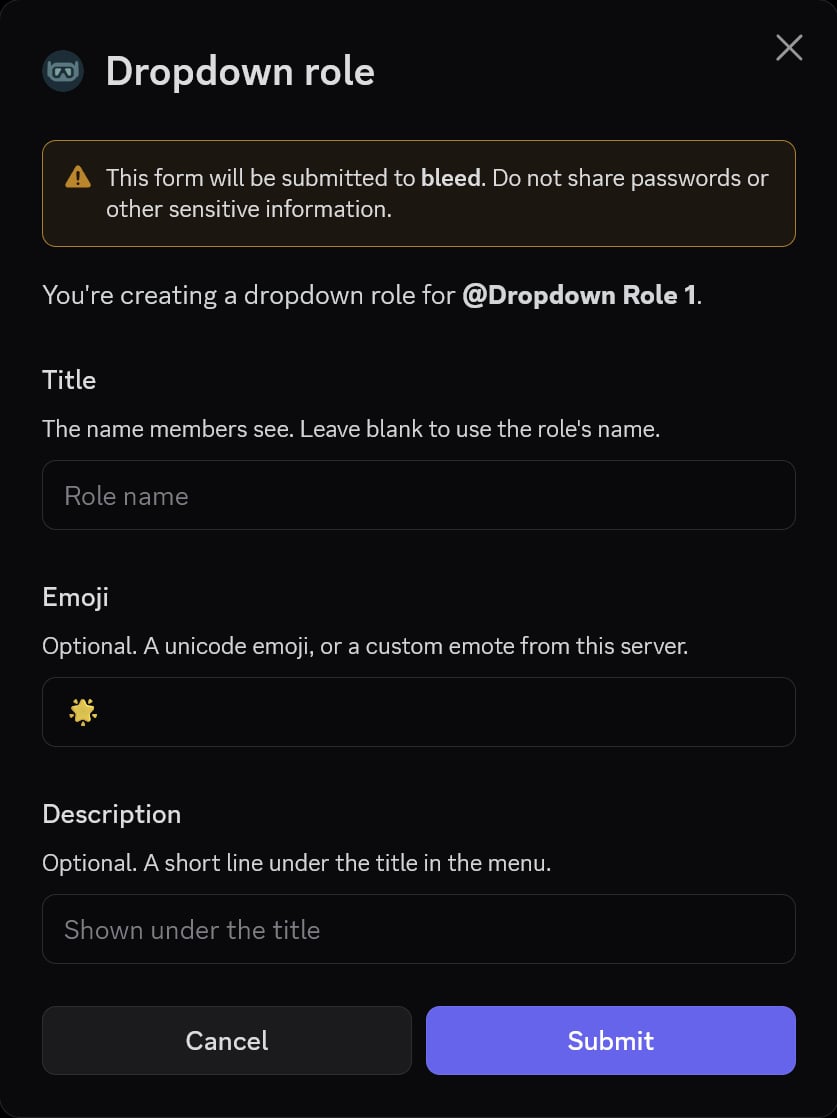
Adding a role to a dropdown
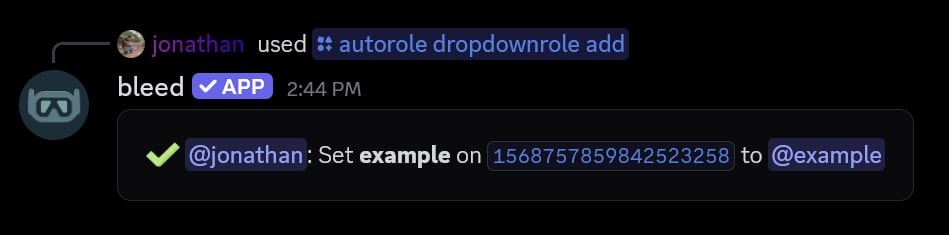
You can add more roles to an existing dropdown using the/autorole dropdownrole add command.
This command will open a Discord modal where you can specify the title, emoji, and description for the role.
Editing a dropdown role
You can change a role’s title, emoji or description using the/autorole dropdownrole edit command.
You can use the 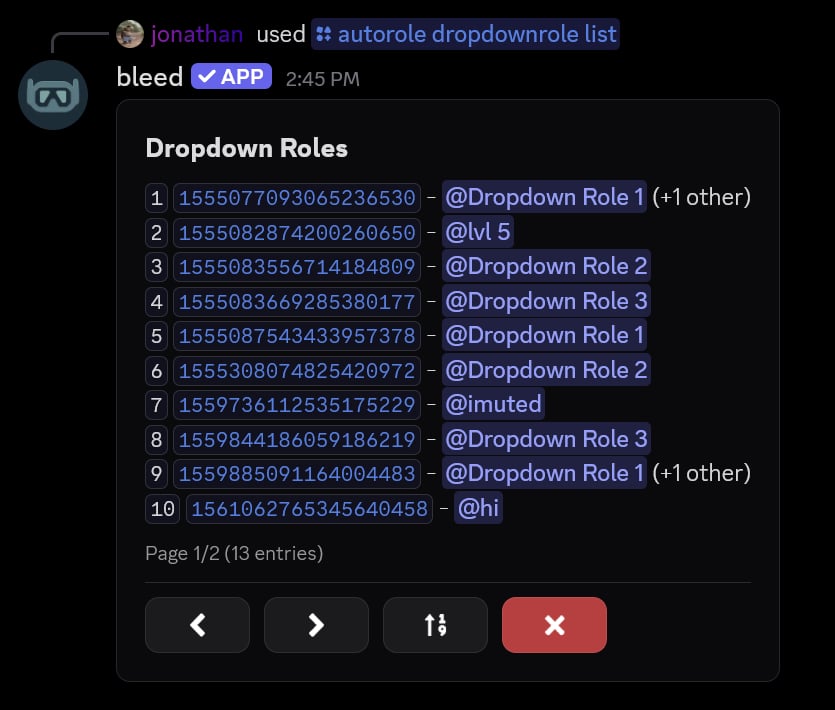
/autorole dropdownrole list command to see all dropdown roles in your server.Related commands
Changing the placeholder
Changing the placeholder
Use the
/autorole dropdownrole placeholder command to change the text shown on the dropdown before a member selects a role.
If you leave out the
text parameter, this command will open a Discord modal where you can enter the placeholder.Setting a limit
Setting a limit
Use the
/autorole dropdownrole limit command to set how many roles a member can select from the dropdown.
The maximum cannot be higher than the number of roles on the dropdown.
Making a dropdown exclusive
Making a dropdown exclusive
Use the
/autorole dropdownrole exclusive command to only allow members to hold one role from the dropdown.
When this is enabled, selecting a role will remove the member’s other roles from the dropdown.
Changing the message
Changing the message
Use the
/autorole dropdownrole message command to set the text or embed above the dropdown.
This command will open a Discord modal where you can enter raw text, components or an embed. If you no longer want a message, you can re-run the command and leave the modal empty.
Setting required roles
Setting required roles
Use the
/autorole dropdownrole required command to set the roles a member needs before they can use the dropdown.
This command will open a Discord modal where you can choose the roles, and whether members need any or all of them. If you no longer want to require roles, you can re-run the command without a role.
Removing a dropdown role
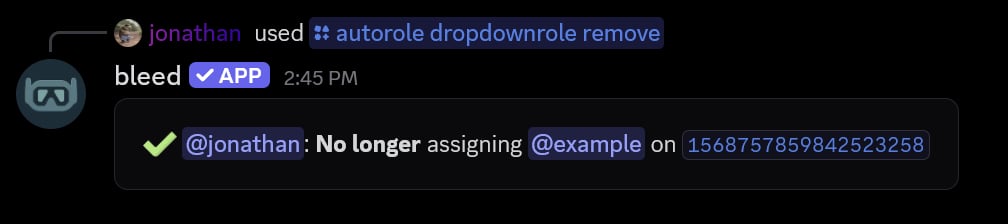
You can remove a specific role from a dropdown by using the/autorole dropdownrole remove command.
Removing a dropdown
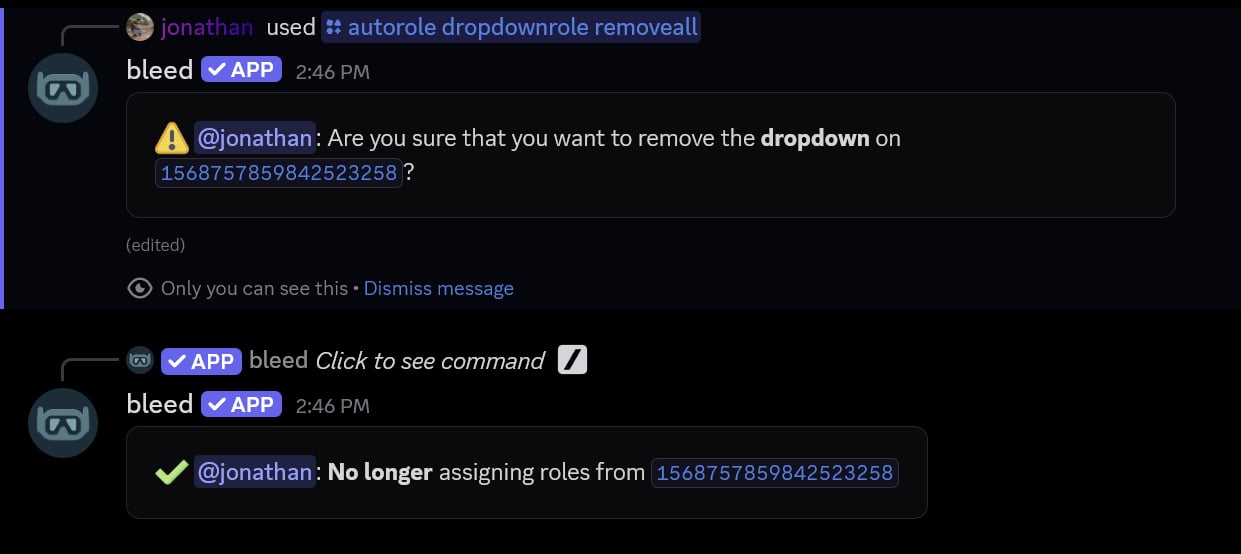
Additionally, you can remove a dropdown and every role on it by using the/autorole dropdownrole removeall command.
Removing all dropdown roles from the server
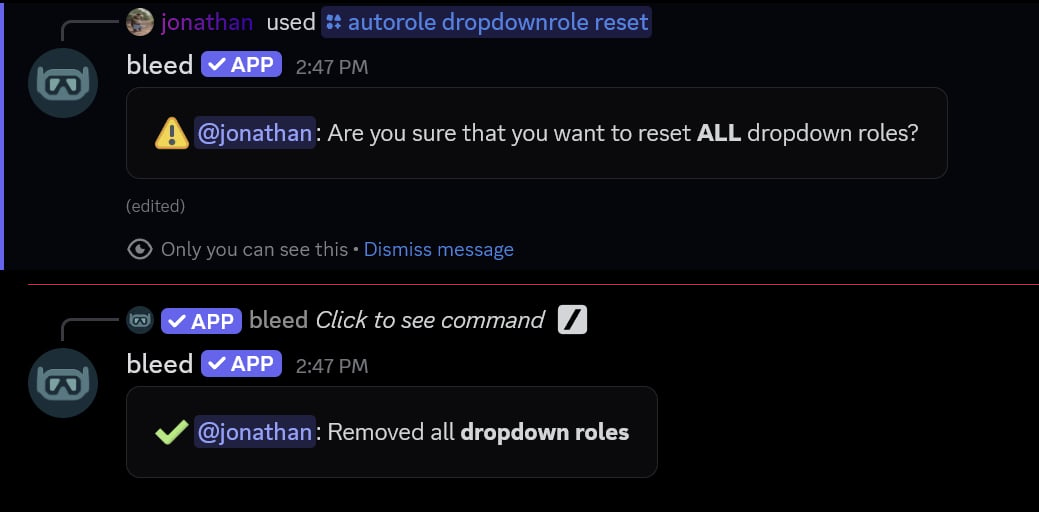
You can remove all dropdown roles from the server by using the/autorole dropdownrole reset command.